
Introduction
In modern Android apps, almost everything is a list. Messages, products, videos, notifications, contacts, news feeds, and settings all appear as scrolling collections of items. Behind every smooth scrolling list in an Android app is a powerful system built around RecyclerView and Adapters.
For beginners, lists may look simple, but for professional developers they are one of the most performance-critical parts of any application. Poorly implemented lists can freeze an app, drain the battery, and crash low-end devices.
At CuriosityTech, Android students are trained to build lists the same way top companies do, focusing on efficiency, scalability, and clean architecture.
Day 12 is where Android apps begin to feel like real commercial products.
What RecyclerView really does
RecyclerView is a highly optimized container for displaying large sets of data. Instead of creating a new view for every item, it reuses existing views as the user scrolls. This saves memory and keeps scrolling smooth even when thousands of items are displayed.
This recycling mechanism is why modern Android apps can show endless feeds without slowing down.
Role of the Adapter
The Adapter acts as the bridge between data and the user interface. It takes raw data such as a list of messages or products and converts it into visual elements on the screen.
The Adapter decides what data goes into each row and how it is displayed. Without it, RecyclerView would not know what to show.
Table showing their responsibilities
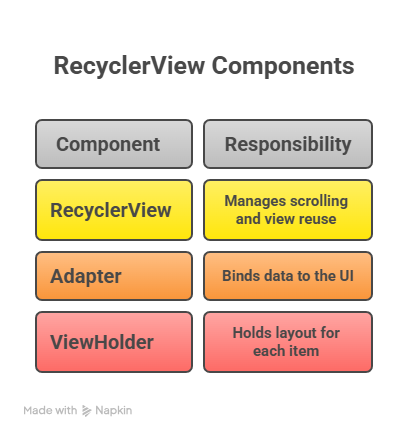
Together, they form a powerful system for displaying lists.
How data flows in a list
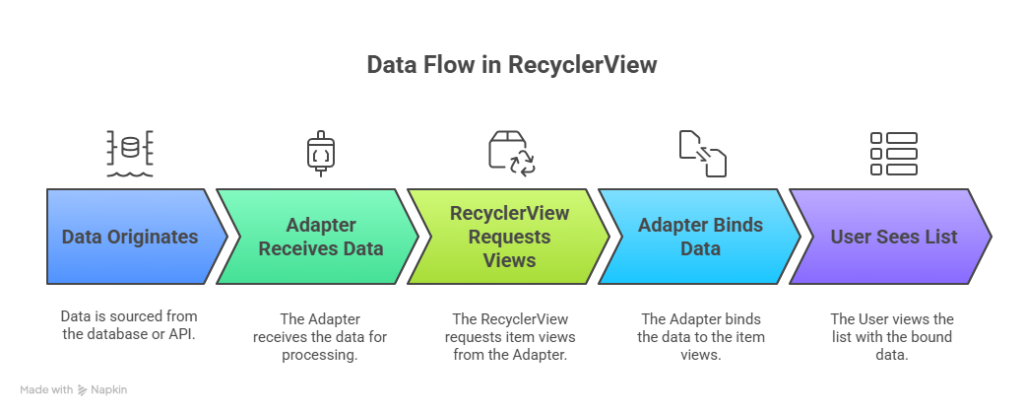
This process happens hundreds of times per second as users scroll.
Hierarchical view of list architecture
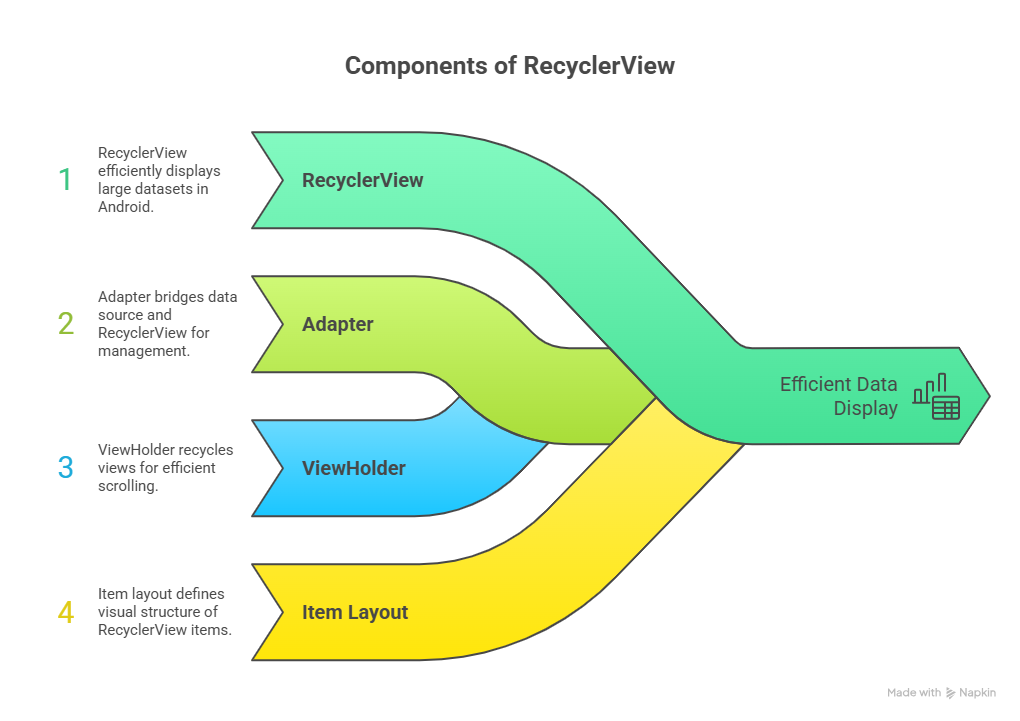
This structure keeps UI code clean and maintainable.
Infographic description
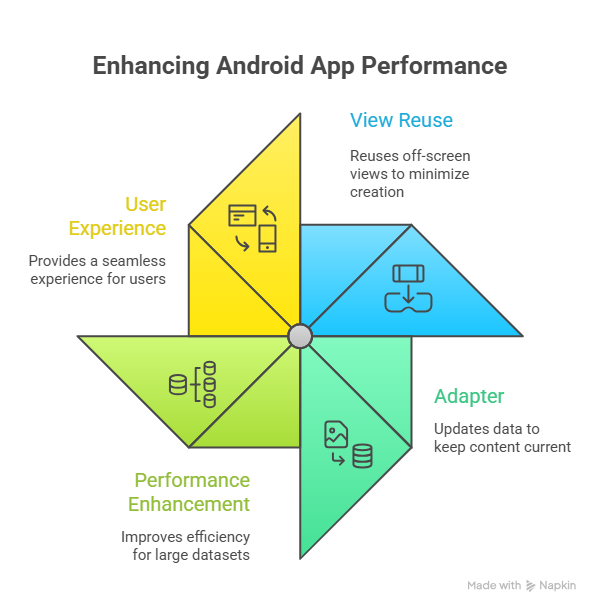
This shows how lists stay fast and responsive.
How developers master RecyclerView
Expert Android developers learn how to handle large datasets, optimize view reuse, and update lists efficiently. They also implement animations, pagination, and filtering to enhance user experience.
At CuriosityTech, students build real list-based screens so they understand how production Android apps handle massive data.
Conclusion
RecyclerView and Adapters are the backbone of dynamic Android interfaces. By mastering them, developers can build fast, beautiful, and scalable list-based apps.
Day 12 gives Android developers the ability to handle real-world data in real-world apps.