
Description
No matter how beautiful your frontend or how efficient your backend code is, a full stack application isn’t complete without a database. Databases are the heart of your app. They store user information, product catalogs, transactions, and logs.
For Python developers, integrating databases is easy with frameworks like Django and Flask. In this blog, we’ll explore three of the most popular databases — SQLite, PostgreSQL, and MySQL. You’ll also learn how each fit into Python full stack projects.
1. Why Databases Are Essential in Full Stack Development
Every modern app requires data persistence. Whether it’s a social media platform, a shopping site, or a learning portal like Curiosity Tech, data storage and retrieval form the backbone of user experience.
Imagine building an e-commerce platform:
- Products → Database.
- User accounts → Database.
- Orders and payments → Database.
Without databases, every restart of your server would wipe out all information, making your application useless.
2. Types of Databases
- Relational Databases (RDBMS) → Organize data in tables with rows and columns (SQLite, PostgreSQL, MySQL).
- NoSQL Databases → Handle unstructured or semi-structured data (MongoDB, Cassandra).
In this blog, we’ll focus on RDBMS, as they remain the most widely used in Python full stack projects.
3. SQLite – The Beginner’s Friend
SQLite is a lightweight, file-based database that comes bundled with Python.
Features
- Serverless, requires no separate installation.
- Perfect for prototyping and learning.
- Data is stored in a single file (db.sqlite3).
Django Example with SQLite
By default, Django projects start with SQLite. In settings.py:
DATABASES = {
‘default’: {
‘ENGINE’: ‘django.db.backends.sqlite3’,
‘NAME’: BASE_DIR / “db.sqlite3”,
}
}
Run migrations:
python manage.py migrate
Now your app is connected to SQLite.
4. PostgreSQL – The Powerhouse
PostgreSQL is an advanced open-source relational database system known for its reliability, scalability, and advanced features.
Why Choose PostgreSQL?
- Handles large, complex applications.
- Supports JSON fields for semi-structured data
- Strong security features.
- Used by companies like Spotify, Reddit, and Instagram.
Django Example with PostgreSQL
Install dependencies:
pip install psycopg2
Update settings.py:
DATABASES = {
‘default’: {
‘ENGINE’: ‘django.db.backends.postgresql’,
‘NAME’: ‘curiositytech_db’,
‘USER’: ‘postgres’,
‘PASSWORD’: ‘yourpassword’,
‘HOST’: ‘localhost’,
‘PORT’: ‘5432’,
}
}
5. MySQL – The Industry Standard
MySQL remains one of the most popular databases in the world. Known for its speed and ease of use, it powers giants like YouTube and PayPal.
Why Choose MySQL?
- High performance for read-heavy workloads.
- Excellent community support.
- Works well with both Flask and Django.
Flask Example with MySQL
Install Flask-MySQLdb:
pip install flask-mysqldb
Code snippet:
from flask import Flask
from flask_mysqldb import MySQL
app = Flask(__name__)
mysql = MySQL(app)
6. Comparison Table: SQLite vs PostgreSQL vs MySQL
| Feature | SQLite | PostgreSQL | MySQL |
| Best For | Prototyping, small apps | Complex, scalable apps | Industry-standard apps |
| Storage | File-based | Server-based | Server-based |
| Performance | Lightweight, simple | Handles large workloads | Fast, optimized |
| Community Support | Moderate | Strong | Very Strong |
| Default in Django | Yes | No | No |
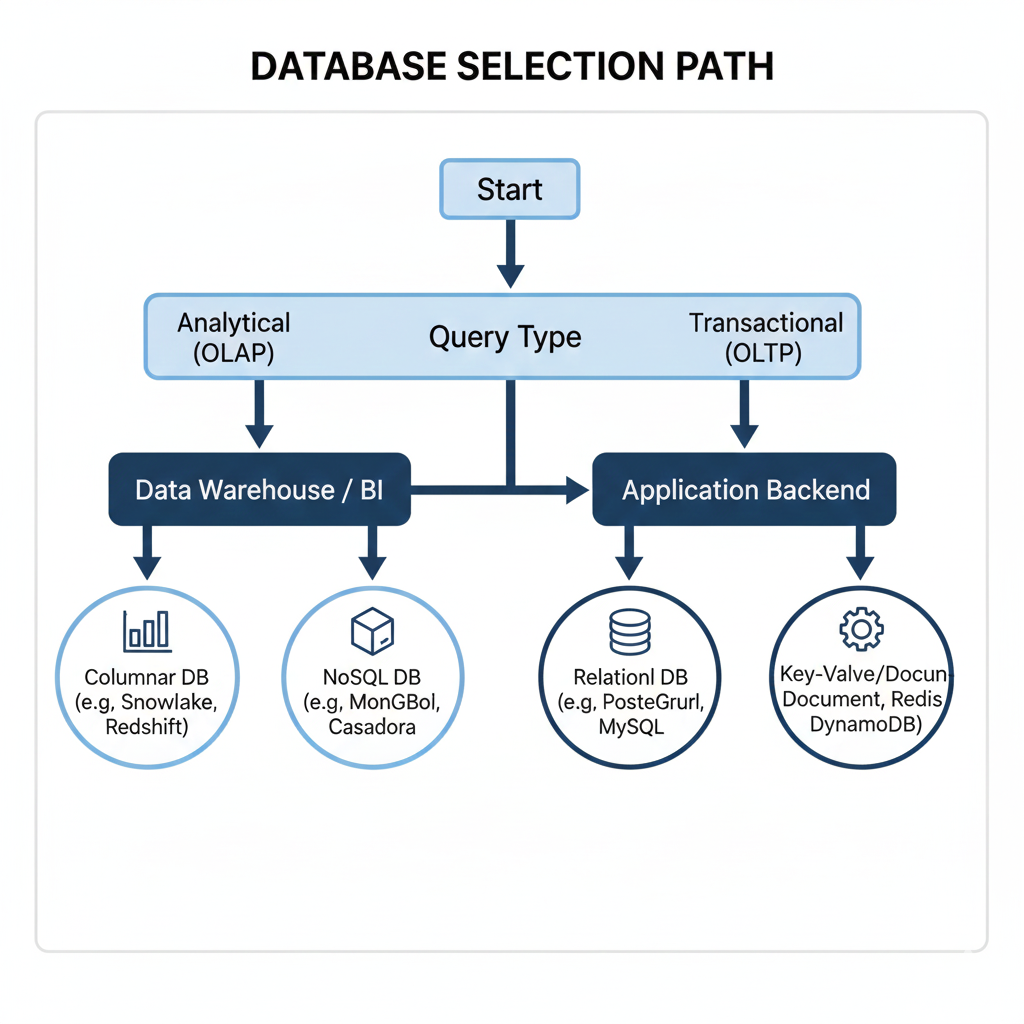
7. Hierarchical Diagram: Database Selection Path
8. Real-World Use Cases
- SQLite → Great for small apps or local development (CuriosityTech students use it for training apps).
- PostgreSQL → Best for large-scale projects needing high data integrity (e.g., fintech apps).
- MySQL → Preferred in industries like e-commerce and SaaS.
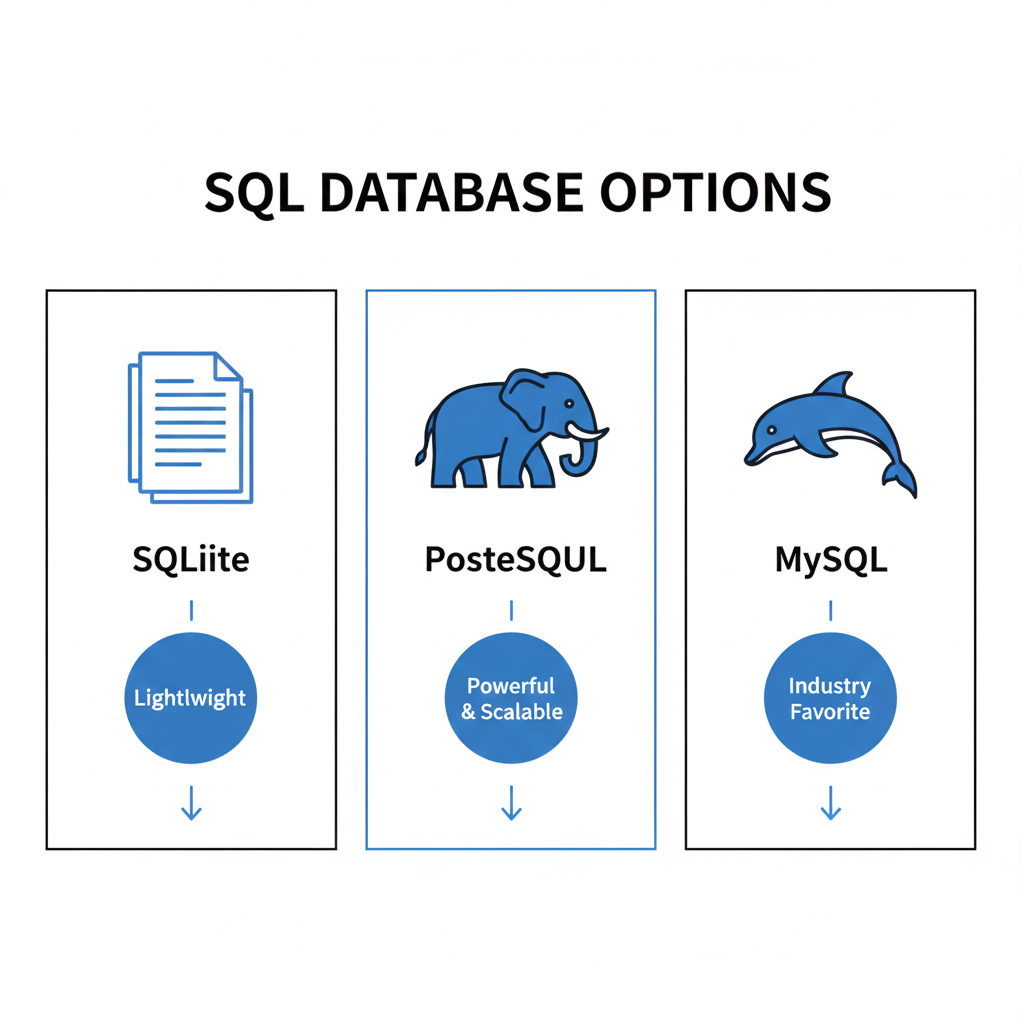
9. Infographic Idea (Described)
A three-column infographic showing:
10. Curiosity Tech Insight
At CuriosityTech, when mentoring students:
- We start with SQLite for classroom learning.
- Transition to PostgreSQL for enterprise-style projects.
- Expose learners to MySQL to prepare them for corporate job roles.
This layered approach ensures students don’t just know “how” but also “when” to use each database.
Conclusion
Databases aren’t just back-office systems — they act as the living memory of your applications. Selecting the right option should always align with your project’s scope and requirements. A simple blog or portfolio works perfectly well with SQLite. When building scalable and performance-driven applications, PostgreSQL truly stands out. For commercial or industry-level projects, MySQL remains a reliable and widely trusted choice. As a full stack developer, the objective goes beyond writing code — it’s about designing systems that efficiently store, retrieve, and safeguard data.