
Introduction
Modern Android applications are no longer just about text and buttons. They are deeply connected to the real world through cameras, images, videos, and audio. From social media to banking apps, capturing and handling media has become a fundamental feature.
Camera and media handling is one of the most technically demanding parts of Android development because it involves hardware, permissions, performance, and file management.
At CuriosityTech, students are trained to work with real devices and real-world media use cases so they understand how production Android apps handle photos, videos, and recordings.
Day 16 is about connecting digital apps with the physical world.
How Android works with the camera
Android provides camera APIs that allow apps to capture photos and videos while controlling focus, resolution, and storage. Apps must also handle permissions carefully to respect user privacy and security.
Professional apps do not just take pictures. They compress images, manage storage, and upload media efficiently to the cloud.
Media storage and management
Captured media must be stored safely on the device and often synchronized with servers. This requires understanding file systems, storage permissions, and background uploads.
Apps also generate thumbnails, previews, and optimized versions for faster loading.
Table of camera and media components
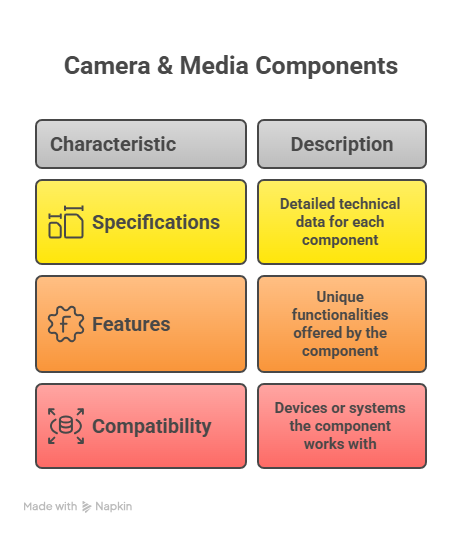
Together, they form a complete media pipeline.
Media flow in an Android app
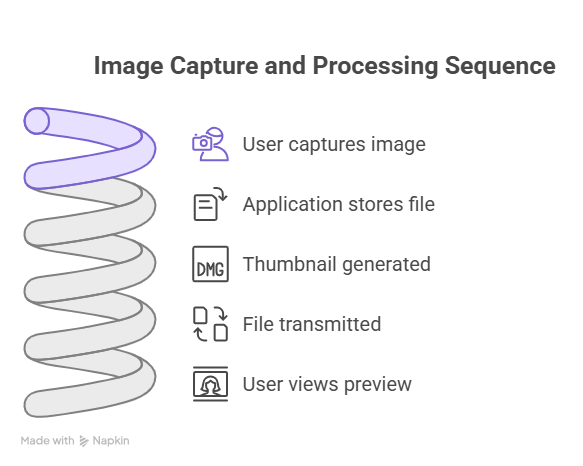
This process happens seamlessly in modern apps.
Hierarchical view of media handling
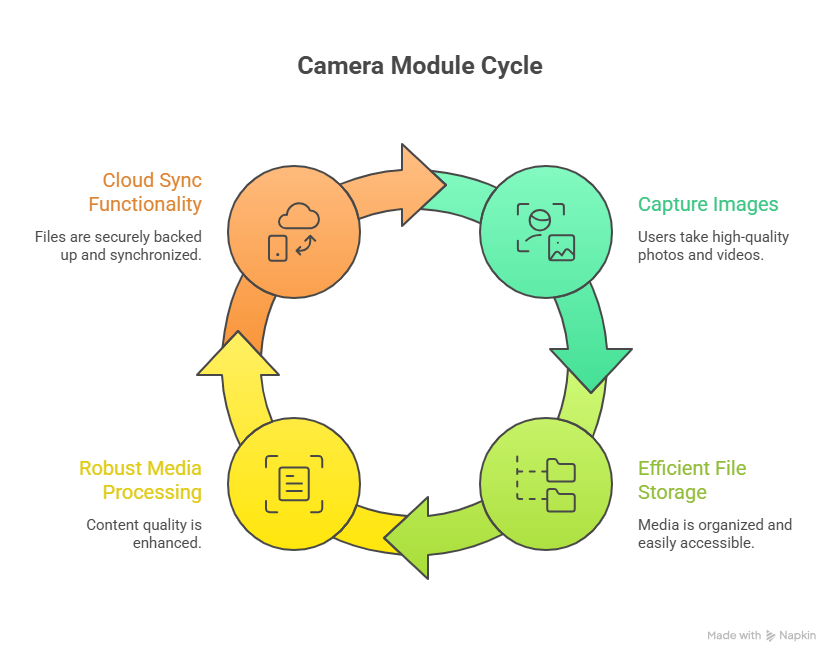
This structure keeps media handling stable and efficient.
Infographic description
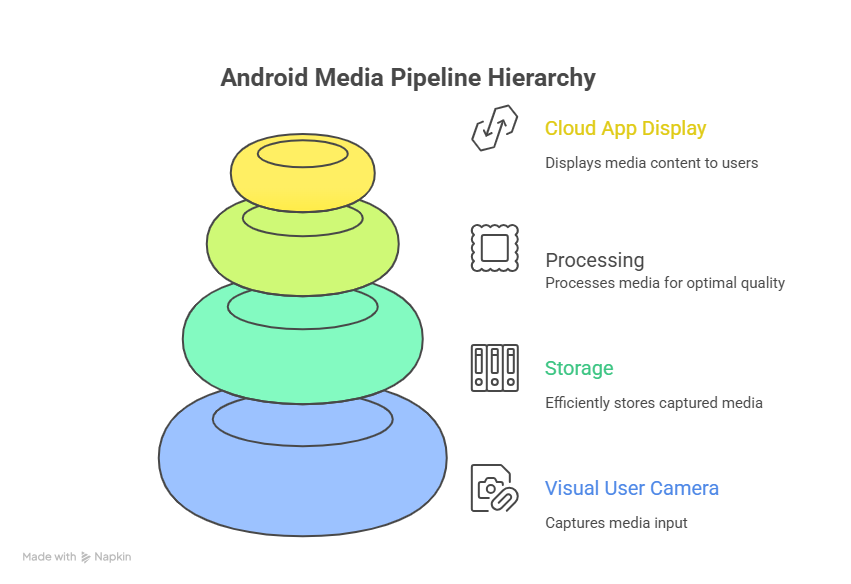
This shows how photos and videos move through the system.
How developers master media handling
Expert Android developers learn how to optimize images, handle different device cameras, manage permissions, and avoid memory leaks. They test apps on multiple devices to ensure consistent behavior.
CuriosityTech trains students using real devices so they understand practical challenges.
Conclusion
Camera and media handling transform Android apps into powerful real-world tools. By mastering these systems, developers can build apps that capture, process, and share rich content reliably.
Day 16 helps Android developers step into advanced mobile functionality.