
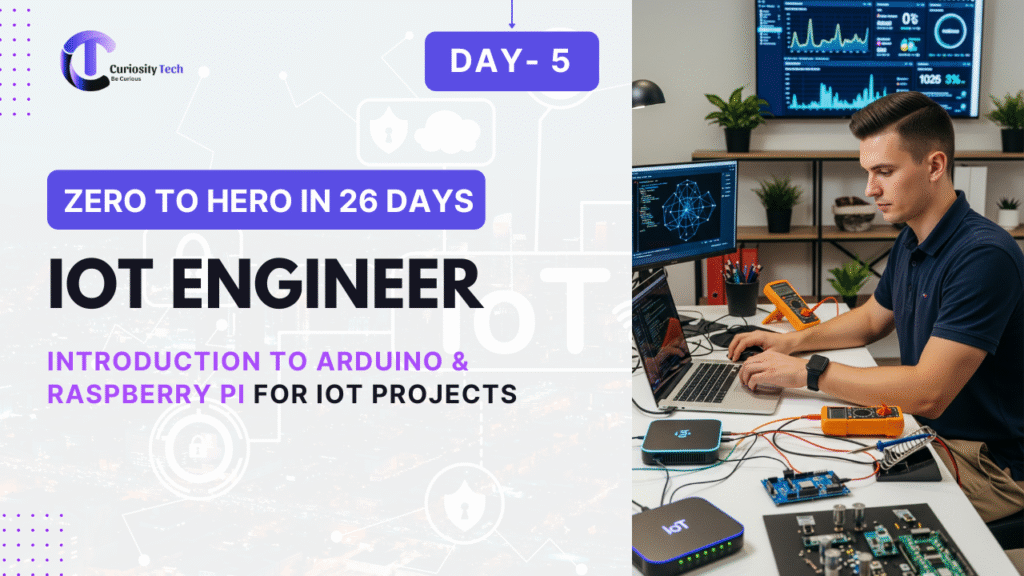
When beginners dive into IoT, they often get lost in talk of “sensors, clouds, protocols, edge computing.” But practically, every learning journey starts with two legendary platforms: Arduino and Raspberry Pi. These boards have transformed IoT engineering by giving students, hobbyists, and even industries easy ways to prototype and build systems before scaling up.
Having supervised hundreds of IoT workshops at universities and at spaces like CuriosityTech.in Nagpur, I can testify: almost every working IoT engineer today began by blinking that first LED on Arduino and turning a Raspberry Pi into a tiny server.
Let’s break down these two platforms and then design your first IoT workshop workflow around them.
Arduino – The Electronics Learner’s Friend
Arduino is not a single board but an ecosystem of microcontroller boards, libraries, and IDEs designed for ease.
- Core Identity: Microcontroller-centric (lightweight computer chip running firmware).
- Best For: Collecting sensor data, controlling actuators directly.
- Programming Language: C/C++ simplified in Arduino IDE.
- Connectivity: Basic Arduino requires modules (ESP8266 Wi-Fi, Bluetooth shields). Modern boards (Arduino MKR) support built-in connectivity.
Popular Arduino Boards for IoT
| Model | MCU Used | Connectivity | IoT Usage Example |
| Arduino UNO | ATmega328P | External shield needed | Smart lighting controller |
| Arduino Nano | ATmega328P | Compact, USB-based | Wearables prototyping |
| Arduino MKR1000 | SAMD21 ARM Cortex | Built-in Wi-Fi | IoT energy monitoring |
| Arduino Nano 33 IoT | ARM Cortex-M0+ | Built-in Wi-Fi + BLE | Smart home sensor systems |
Why Arduino?
- Beginner-friendly coding.
- Cost effective.
- Huge community support (forums, libraries, examples).
At CuriosityTech Nagpur workshops, students first learn Arduino because connecting sensors like DHT11 (temperature/humidity) or MQ2 (gas sensors) is straightforward.
Raspberry Pi – The Mini Computer
Unlike Arduino, Raspberry Pi is a single-board computer (SBC). It runs Linux and supports high-level languages like Python, making it ideal for networking, complex logic, and even on-device AI.
- Core Identity: Microprocessor-based (runs full operating system).
- Best For: Gateways, edge computing, complex IoT logic.
- OS Environment: Raspberry Pi OS (Linux-based).
- Connectivity: Built-in Wi-Fi, Bluetooth, Ethernet (depending on model).
Popular Raspberry Pi Models
| Model | Specs | IoT Example Use |
| Raspberry Pi 4 | Quad-core Cortex-A72, multiple USBs, up to 8GB RAM | Edge AI for cameras |
| Raspberry Pi Zero W | Low-cost, single-core + Wi-Fi | Small IoT gateway, low-power systems |
| Raspberry Pi Pico | RP2040 microcontroller board | Hybrid between Arduino simplicity and Raspberry Pi |
Why Raspberry Pi?
- Can act as IoT gateway/server.
- Supports Node-RED, MQTT brokers, AI/ML frameworks.
- Versatile (from weather stations to smart city dashboards).
Workshop-Style Tutorial: Your First IoT Project With Arduino & Raspberry Pi
Phase 1 – Using Arduino for Device Control
Project: Smart Temperature Logger.
- Components Needed: Arduino UNO, DHT11 sensor, LCD display (16×2).
- Steps:
- Connect DHT11 to Arduino via digital pin.
- Install DHT library in Arduino IDE.
- Code Arduino to display real-time temperature on LCD.
- Add a buzzer actuator for alerts when temperature crosses threshold.
Outcome: You understand firmware basics, sensor reading, and actuator control on Arduino.
Phase 2 – Using Raspberry Pi as IoT Gateway
Project: Send Arduino-Collected Data to the Cloud.
- Components Needed: Raspberry Pi 4, Arduino with DHT11, Internet connectivity.
- Steps:
- Connect Arduino to Raspberry Pi via USB/serial.
- Install Python libraries (pyserial, paho-mqtt) on Pi.
- Raspberry Pi reads sensor values from Arduino.
- Use MQTT protocol to send this data to a cloud platform (AWS IoT / ThingsBoard).
- Access a dashboard to visualize the uploaded values.
Outcome: Arduino becomes the sensor-controller, Raspberry Pi becomes the network brain + gateway.
Comparative Mindset for IoT Engineers
| Feature | Arduino | Raspberry Pi |
| Nature | Microcontroller board | Single-board computer |
| OS Support | None (bare-metal firmware) | Linux-based full OS |
| Best At | Device control, power efficiency | Networking, cloud, edge AI |
| Programming | C / Arduino IDE | Python, Node.js, etc. |
| IoT Use | Sensor/actuator device layer | Gateway / middleware layer |
Real-World Example
Smart Parking System:
- Arduino controls ultrasonic sensors that detect whether parking slots are free.
- Raspberry Pi collects these readings from multiple Arduino nodes.
- Raspberry Pi pushes data to a cloud dashboard for customers to see availability.
This exact system has been prototyped by young teams at CuriosityTech IoT Park in Nagpur, where Arduino boards are deployed across large parking areas and Pi serves as central hub with Wi-Fi.
Common Progression Path
From my 20+ years of mentoring:
- Start with Arduino – Learn electronics, sensor integration, actuator control, firmware basics.
- Move to Raspberry Pi – Learn Linux environment, networking, Python-based IoT workflows.
- Combine Them – Arduino handles field sensing/actuation, Pi acts as gateway/cloud bridge.
- Scale Projects – Use cloud APIs, edge AI, production-grade hardware for industry.
Pitfalls Beginners Must Avoid
- Using Arduino for heavy tasks like data storage/processing — it’s not designed beyond simple sensor logic.
- Using Raspberry Pi in extremely power-limited environments — Pi needs stable supply.
- Not planning hardware interconnection properly — always decide role distribution: Arduino = sensing/actuation, Pi = processing/gateway.
Conclusion
Both Arduino and Raspberry Pi are fundamental stepping stones for IoT engineers. Arduino teaches you to control and interact with the physical world, while Raspberry Pi trains you to connect that world to networks and cloud intelligence. When used together, they form a powerful duo, essential for prototyping nearly every IoT system imaginable — from smart agriculture irrigation to industrial predictive maintenance nodes.
That’s why labs like CuriosityTech.in Nagpur combine Arduino and Raspberry Pi training in beginner-friendly project workflows — encouraging learners to go from blinking a simple LED to building city-wide IoT ecosystems. For IoT in 2025, this combination remains just as relevant as when these boards first revolutionized learning a decade ago.