
Introduction
In today’s digital-first world, user experience (UX) is no longer optional—it’s essential. A static website is like a billboard; an interactive website is a conversation. This is where JavaScript (JS) comes in. As a Full Stack Developer, understanding JS is non-negotiable, because it transforms your frontend from static to dynamic, allowing users to engage, interact, and feel immersed in your application.
CuriosityTech.in has been at the forefront of educating aspiring developers about modern frontend development, blending theory with practical projects that make learning JavaScript not just effective but enjoyable.
Why JavaScript is Essential for Frontend UI
| Feature | Description | Example |
| Dynamic Content | Modify webpage content without reloading | Updating cart items in real-time |
| Event Handling | Respond to user interactions like clicks, hovers | Click button → Show modal |
| Form Validation | Ensure data integrity before server submission | Email validation in signup forms |
| Animations & Effects | Enhance visual appeal & UX | Smooth sliding menus, fading alerts |
| APIs & Data Fetching | Connect with backend or external APIs | Fetch weather data from an API |
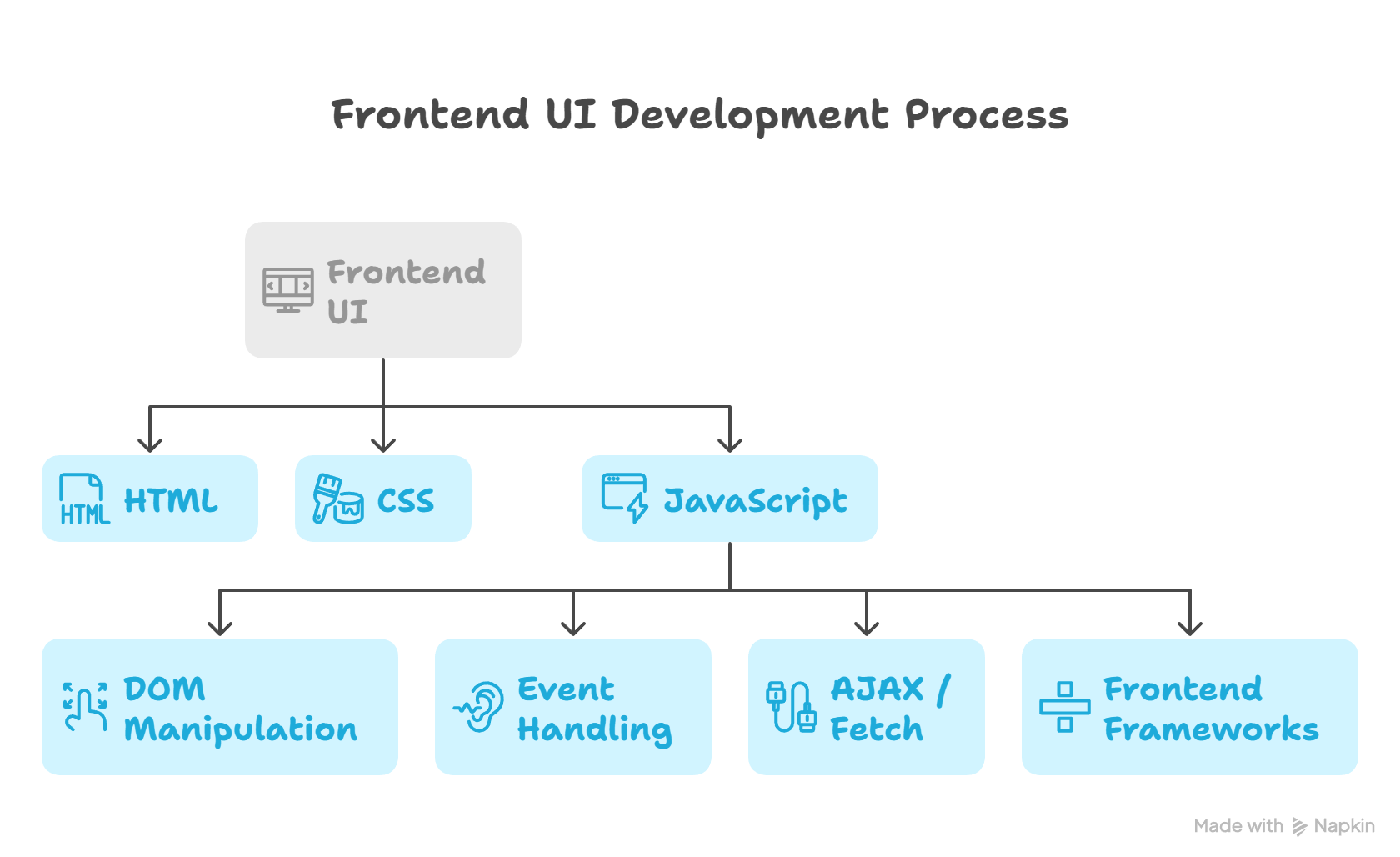
Hierarchical View: JavaScript’s Role in Frontend Development
Core JavaScript Concepts Every Developer Must Know
- Variables and Data Types :- JavaScript allows you to store and manipulate information. let, const, and var are the building blocks.
- Functions & Scope:- Functions are reusable code blocks, essential for modular programming. Scope ensures variables don’t interfere globally.
- DOM Manipulation:- The Document Object Model (DOM) lets JS interact with HTML elements dynamically. Example: changing the text of a heading with a click.
- Event Listeners:- Modern JS uses addEventListener to respond to user interactions.
- ES6+ Features:– Template literals, arrow functions, destructuring, promises, and async/await are critical for clean, modern code.
Practical Example: Interactive To-Do App
document.getElementById(‘addBtn’).addEventListener(‘click’, function() {
let task = document.getElementById(‘taskInput’).value;
if(task) {
let li = document.createElement(‘li’);
li.textContent = task;
document.getElementById(‘taskList’).appendChild(li);
document.getElementById(‘taskInput’).value = ”;
} else {
alert(‘Please enter a task!’);
}
});
This small snippet demonstrates DOM manipulation, event handling, and user feedback, all essential JS skills.
Infographic Idea: “JavaScript in Action”
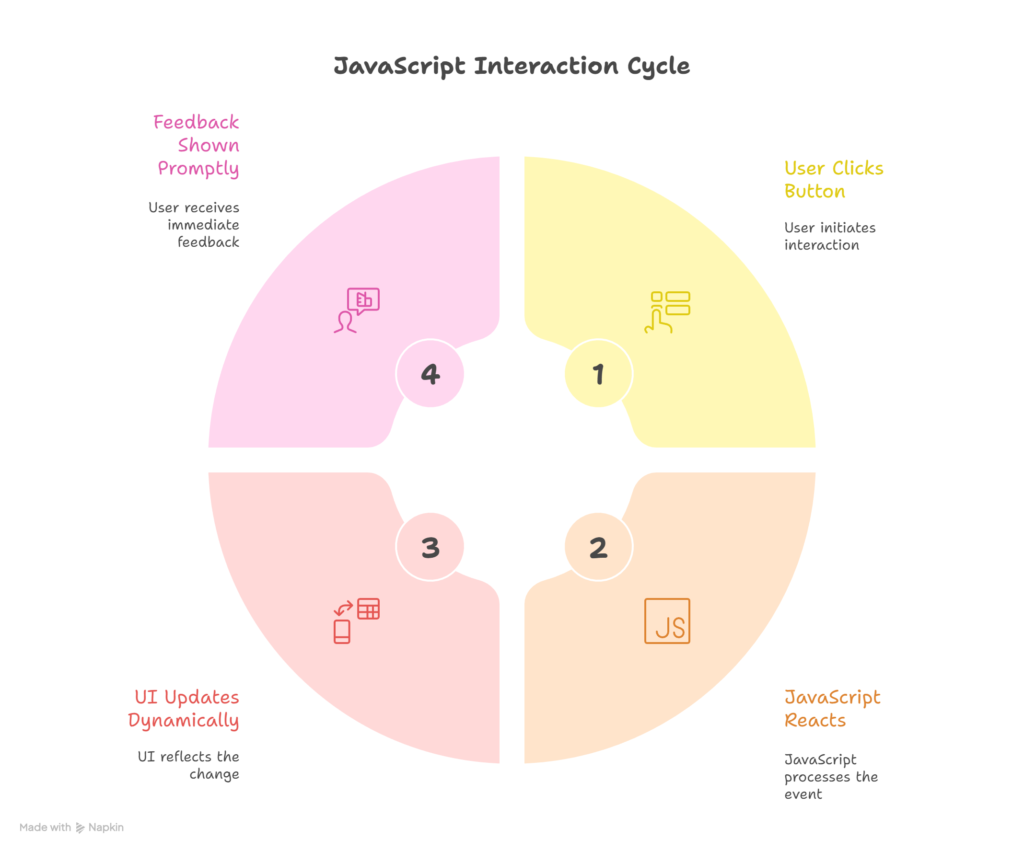
- Show a user clicking a button → JS reacts → UI updates dynamically → feedback shown.
Best Practices for Frontend Interactivity
- Keep scripts organized; avoid inline JS.
- Minimize DOM manipulation for performance.
- Use event delegation for dynamic elements.
- Always validate user input to prevent errors.
- Optimize for mobile-first experiences.
Conclusion
JavaScript isn’t just a language; it’s the heartbeat of modern web applications. By mastering the essentials, you can create interactive, responsive, and user-friendly interfaces. Whether you’re a beginner or an aspiring Full Stack Developer, integrating JS into your workflow is non-negotiable.
At CuriosityTech.in, learners not only grasp the fundamentals but also get real-world projects, detailed tutorials, and industry-aligned guidance, ensuring every developer can transform knowledge into impact.